

.svg)

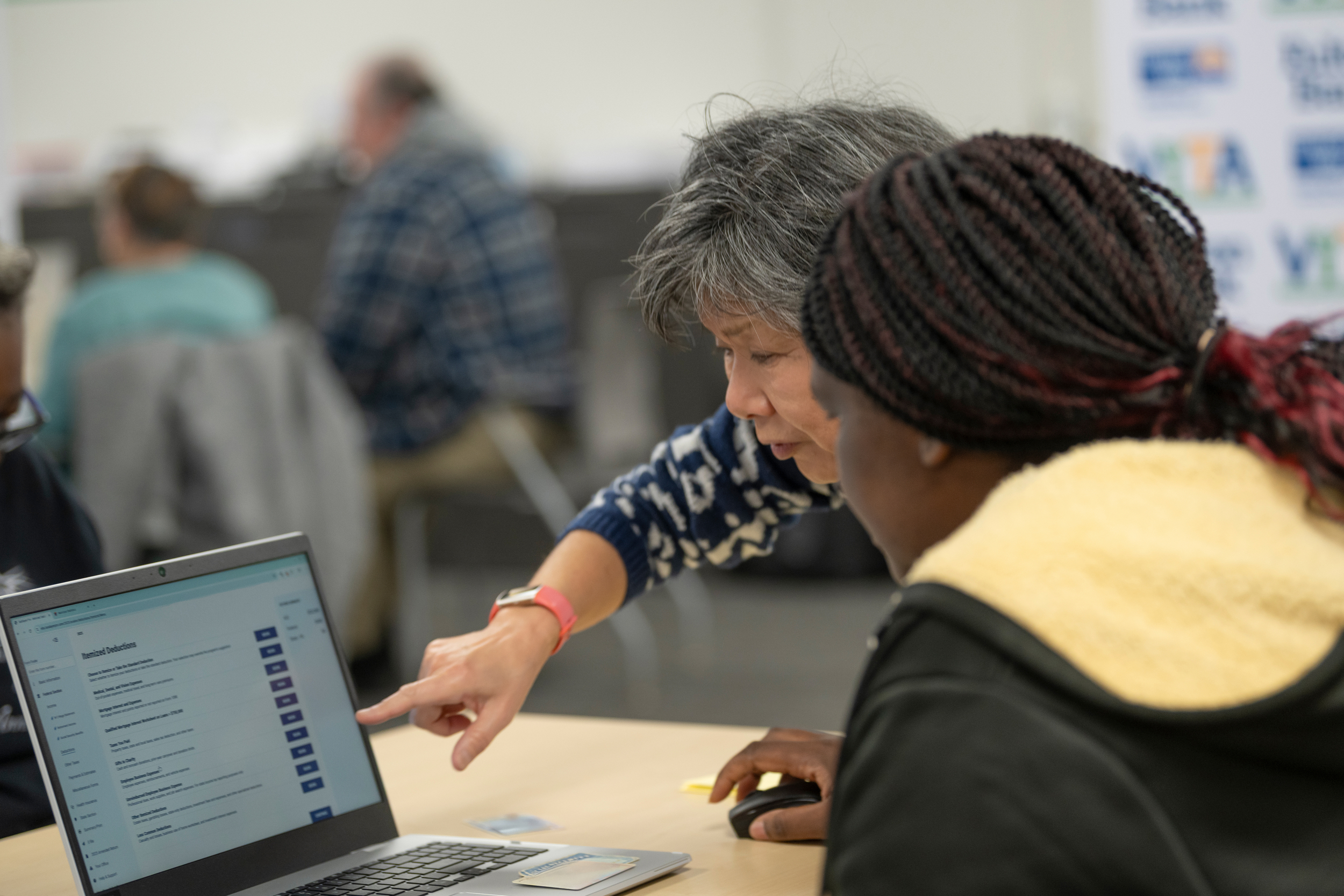
Technology is becoming more and more present in our everyday lives, including in how we manage our finances. This might mean using a website or app to check a bank account, using a digital wallet when it is the only form of payment accepted at a restaurant or venue, applying for benefits, filing taxes, paying a bill, looking for a job, or managing other important tasks.
Without access to a smartphone or computer, or familiarity with certain technology, these everyday tasks can become more difficult. If you or someone you know isn't sure where to get help, here are some ideas for finding free resources in your community to build technology and digital financial literacy skills.
Find Help in Your Local Community
- Check out your local library: Many libraries offer computer access, technology classes, workshops, or one-on-one help. They may be able to help with things like:
- Computer or smartphone skills
- Using email
- Navigating websites
- Creating online accounts
- Uploading or downloading documents
- Using common computer programs
- Online privacy and safety
For instance, library staff may not be able to answer specific financial, tax, or benefits questions, but they may be able to help you use the technology needed to access those services. If you're filing your taxes online and need help taking a picture of a tax document so you can upload it, try asking library staff for help with that step.
- Check with your local community center, adult school, community college, senior center, and/or nonprofit organizations. They may offer digital literacy classes, computer labs, loan technological devices and/or individual assistance.
- Ask your provider: If you're being asked to use a new website, app, or online portal by a service provider, ask whether a staff member can walk you through how it works or whether they have a tutorial you can follow. For example, if your bank or credit union has an app you've never used, ask whether a staff member can show you how to download it, sign in, and find the features you need.
- Look for skill-sharing groups: Some communities have spaces or events where neighbors share skills. You may see these called "skill shares" or "skill-sharing" events. There isn’t one set way of finding them. Facebook, Nextdoor, Eventbrite, MeetUp and local neighborhood groups are a few places where you may find skill-sharing opportunities in your area. You can also ask in groups that may not offer technology tutorials but already bring people together to share skills. For example, Repair Cafés bring people together to share repair knowledge and help each other fix household items. They may not offer technology help directly, but you may meet someone who has a skill you're looking to learn or can point you to another resource.
Protect Your Personal Information When Asking for Technology Help
When you're asking for help, it can be tempting to hand over your personal information or electronic device and have someone complete the process for you. That may feel easier, but it's important to protect certain information and, when you can, enter sensitive information yourself. Here are a few things to keep in mind when getting help:
- Keep private information private. As a good practice, enter passwords, PINs, Social Security numbers, banking information, and other sensitive information yourself.
- Make sure you can get back into your accounts. If someone helps you create an account, make sure you know the username and password, what email address or phone number is connected to it, and how to access that email or phone. Consider signing out and signing back in yourself before you leave.
- Ask someone to show you instead of doing it for you. It may take a little longer, but doing the steps yourself can make it easier to do them again later.
- Speak up if you're uncomfortable, unsure, or need them to slow down. It's okay to ask questions, ask someone to explain what they're doing, or tell them when you would rather enter information yourself.
- Be aware of scams. Learn more about common financial scams and ways to protect yourself. Do not share usernames or passwords with anyone- including staff members at financial institutions.
Free Online Resources
- DigitalLearn.org offers free beginner-friendly lessons on topics including getting started on a computer, navigating websites, using email, online searching, and cybersecurity. Resources are available in English and Spanish.
- LearnFree.org also offers free lessons on computer basics, internet skills, Microsoft Office, Google tools, job searching, and other practical skills. Resources are available in English and Spanish.
Not sure Where to Start?
Building technology skills can feel more manageable when you have a specific goal. For example start with one small goal like:
- Checking your bank balance online
- Setting up direct deposit
- Downloading a bank statement
- Paying a bill online
- Accessing a benefits account
- Uploading tax documents
- Creating and saving a secure password
- Using an online budgeting tool
Use our free MyMoneyPath goal-setting tool to create a SMART goal and break it down into smaller steps.
Consider Creating a FREE Account!